Piano mode
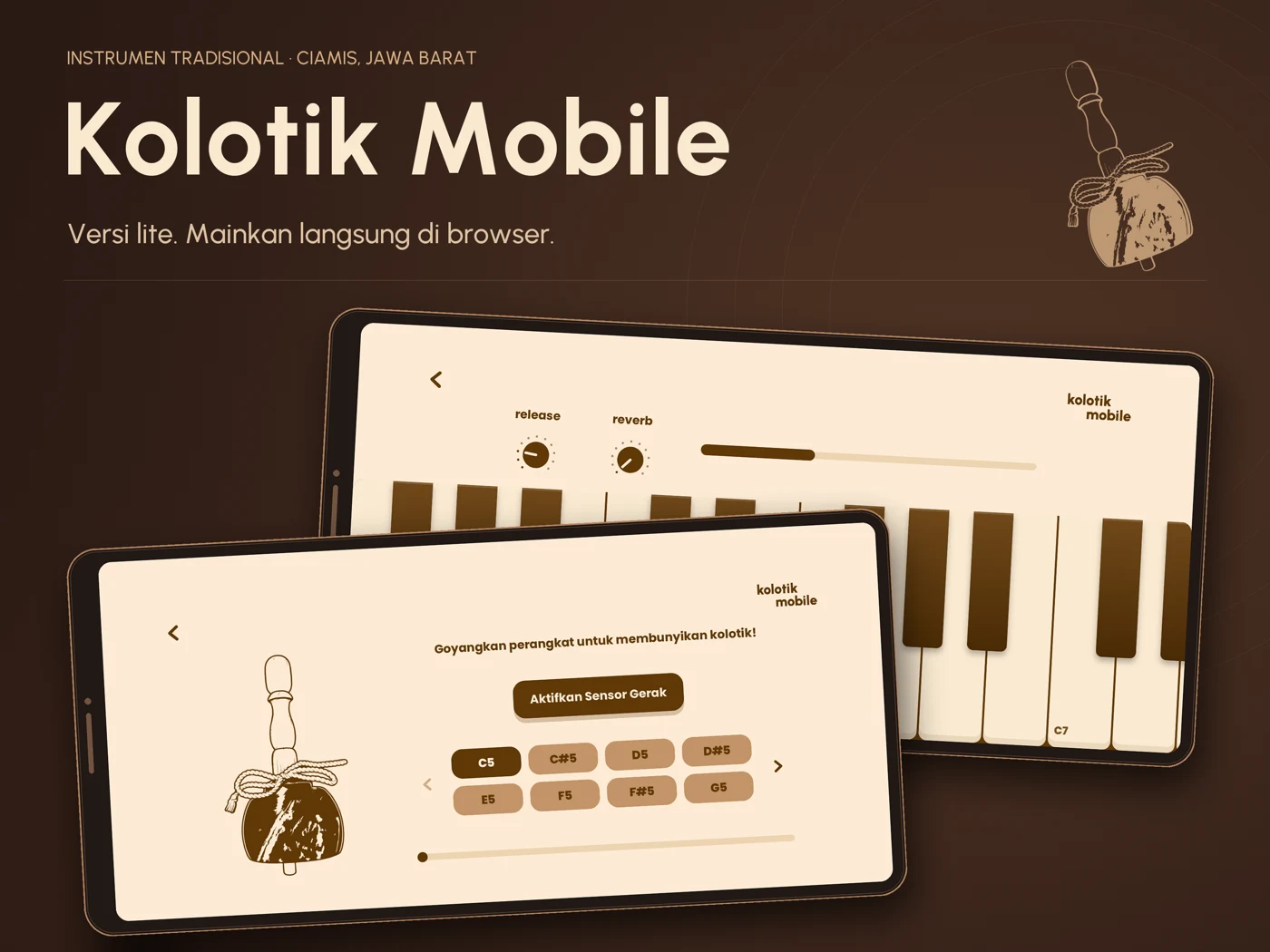
Play the instrument through an on-screen keyboard. Explore pitches and phrases without needing a physical MIDI keyboard.

Velt Labs / Browser instrument
Kolotik Mobile is a lightweight introduction to kolotik, a traditional instrument from Ciamis, West Java. Explore its sampled sound on your phone or in your browser.
No installation needed. Enable sound when you begin.
Meet the instrument
Kolotik Mobile adapts the Kolotik for DecentSampler project into an approachable browser experience. It uses one recorded variation per sampled root note to keep the experience light, with looping playback to sustain the sound.
Play notes through a piano interface, or try shake mode on a compatible phone. Motion becomes a way to trigger and shape your encounter with the instrument—a digital introduction to its physical, gestural character.
The goal is simple: make it easier to discover a local instrument, hear its character, and imagine where it might belong in a new piece of music. Digital access supports discovery; the living tradition remains with its players and communities.
Play the instrument through an on-screen keyboard. Explore pitches and phrases without needing a physical MIDI keyboard.
On a compatible phone, enable motion access and move your device to trigger sound. Availability depends on the browser and device sensors.
Sustain sampled tones and explore the app’s release and reverb controls. One round robin keeps this edition focused on discovery.
Good to know
Open the app, choose piano or goyang (shake) mode, and allow the samples to load. Tap a key to begin. The app uses Indonesian labels: “goyang” means “shake.”
Shake mode requires a device with motion sensors, a supported browser, and motion permission where requested. Use HTTPS on a phone. If motion is unavailable, piano mode offers an alternative.
They share the same instrument project, with different purposes. Mobile is a lightweight introduction using one round robin. The DecentSampler library has 156 samples, two microphone perspectives, and more recorded variations for production work.
The app needs a connection to load its page and audio samples. Once the samples have loaded, playback happens in your browser. This version does not install an offline cache or guarantee offline reopening.
For recording, arranging, and composing in a DAW, explore the full Kolotik sample library.
Explore Kolotik for DecentSampler